Play your videos, your way

GishPlayer plays the videos on your phone and streams from links you enter, with subtitles, audio tracks and gestures that feel natural.

Coming soonApp StoreComing soonGoogle Play

No account. No ads. No tracking.

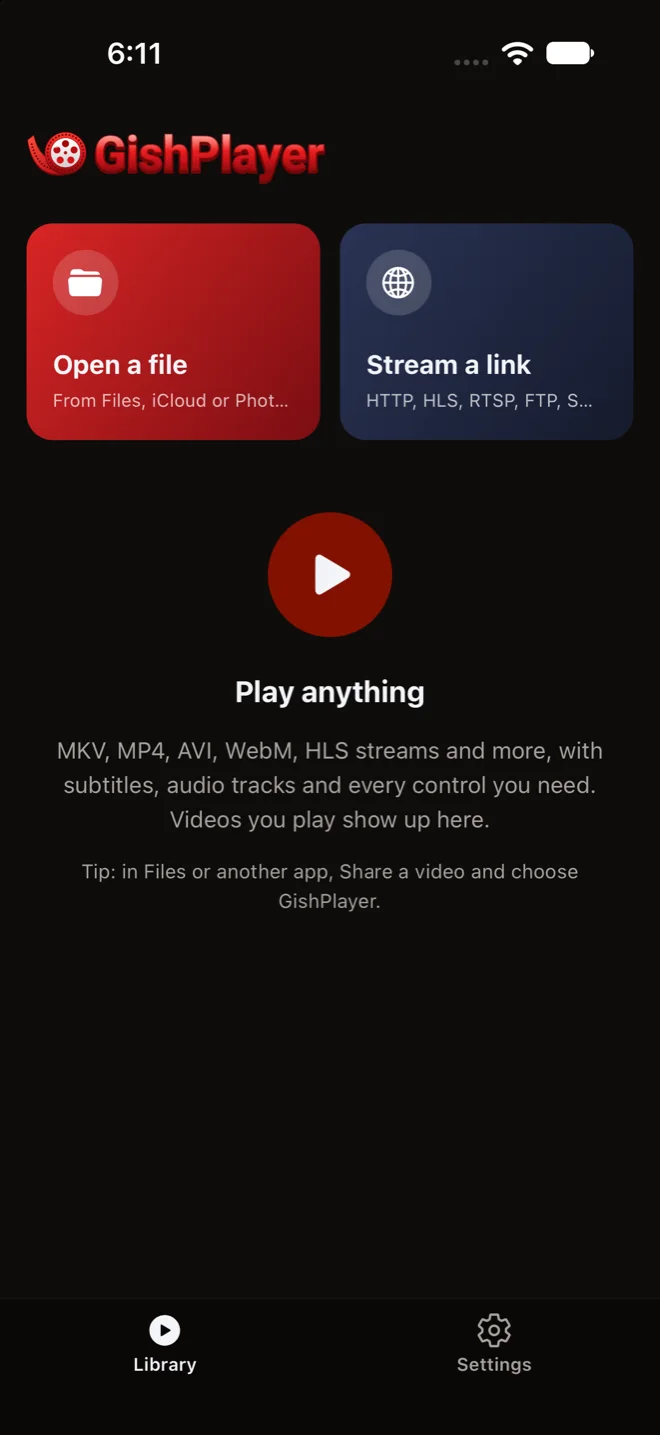
The GishPlayer library: open a file or stream a link

Everything you need between you and the video

MKV, MP4, AVI, WebM and more, from your phone or from a link, with the controls you reach for every night.

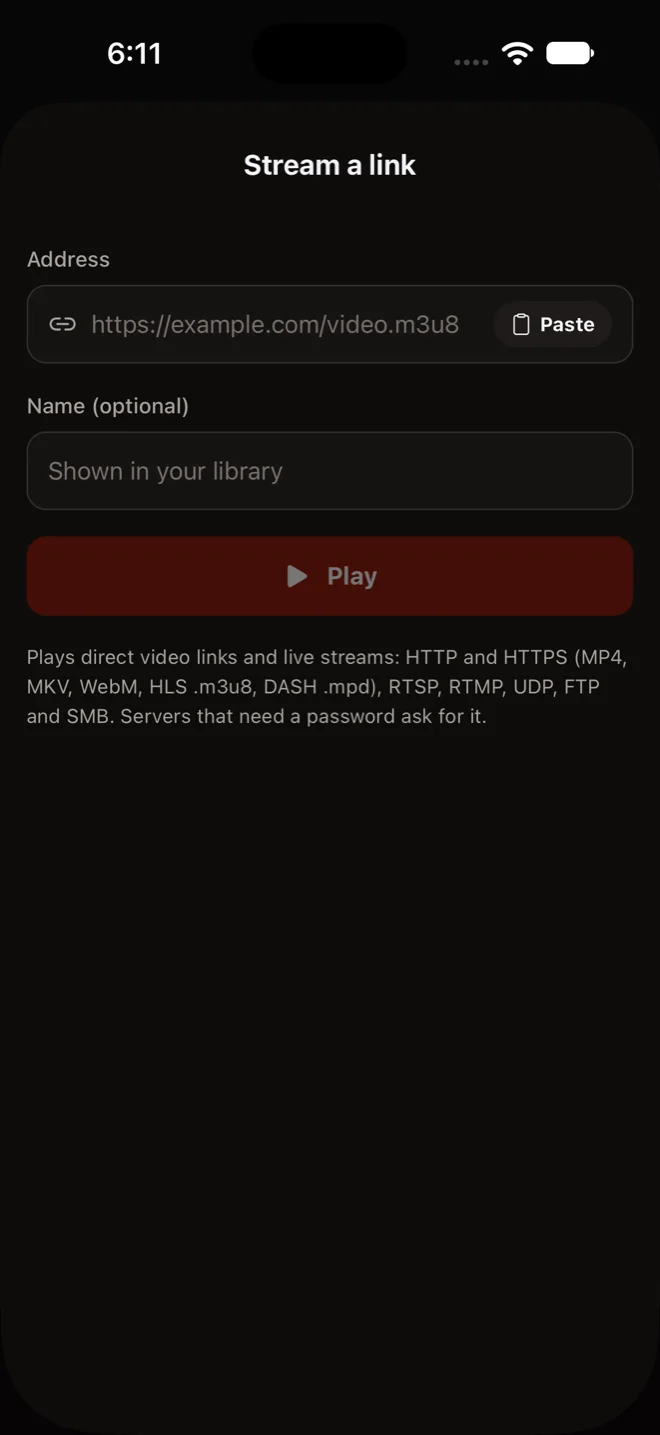
Stream a link: paste an address, give it a name and play

Open a file or stream a link

Open a video from Files, iCloud Drive, your photos or another app, or paste an address and play it: direct video links and live streams. A server that needs a password asks for it, and the password is kept on your device only if you choose.

  • HTTP / HTTPS
  • HLS
  • DASH
  • RTSP
  • RTMP
  • UDP
  • FTP
  • SMB
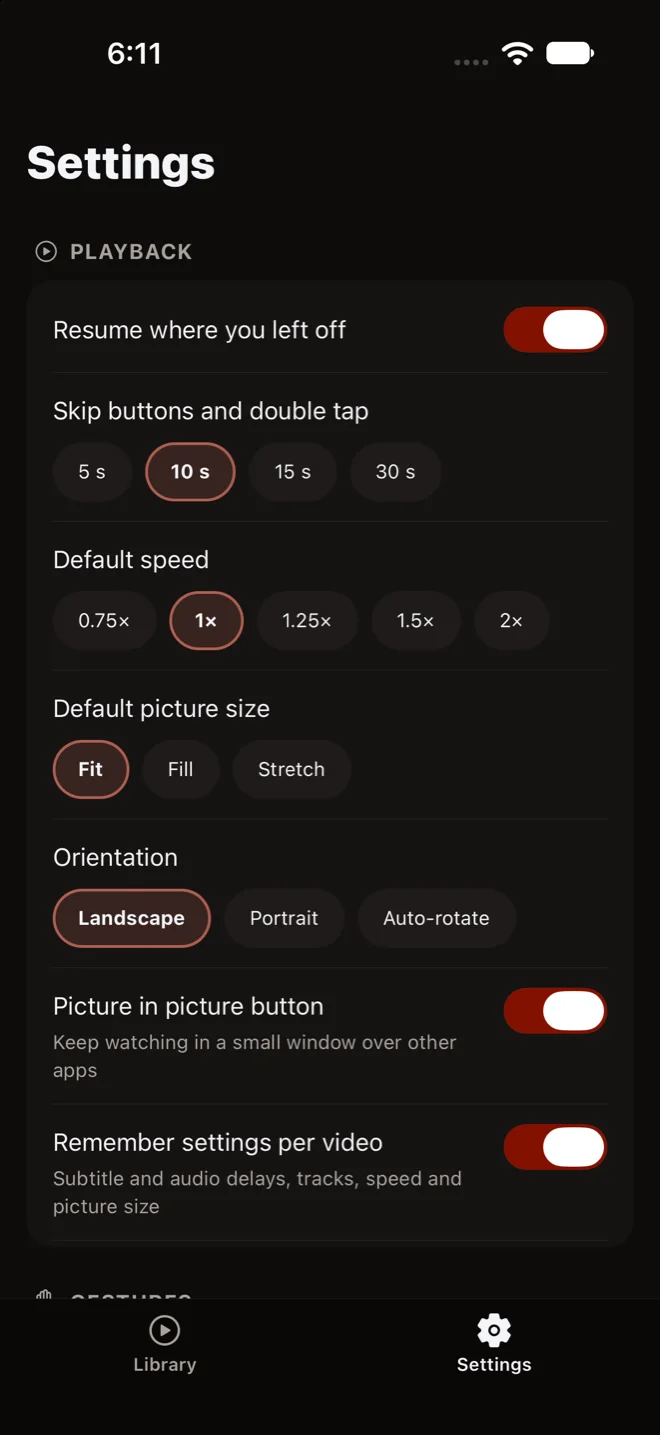
Playback settings: resume, skip length, speed, picture size, orientation and picture in picture

Set it up once

Pick how far a double tap skips, your usual speed, picture size and orientation. GishPlayer resumes every video where you left off and remembers each one's subtitle and audio delays, tracks, speed and picture size.

Made for your thumbs

Double tap to skip, swipe to seek, slide for brightness and volume, pinch to fill the screen and hold for fast playback. Lock the controls before you hand the phone over.

Subtitles that line up

Use the subtitles inside the video or add your own file. Move them earlier or later, change their size and color, and add a dark box for bright scenes. The text encoding is detected for you, Arabic-script files included.

  • SRT
  • ASS / SSA
  • VTT
  • SUB

Picture in picture

Keep watching in a small window over other apps.

On the big screen

Show the video on your TV with AirPlay or screen mirroring, and control it from your phone.

Audio tracks and sync

Choose the audio track, set your preferred audio and subtitle languages, and fix sound that runs ahead of the picture.

Speed, sleep timer, repeat

Slow down or speed up, stop after a while, or loop a part of the video from point A to point B.

Plays what others can't

When the phone's hardware cannot decode a video, switch to software decoding and play it anyway.

Picks up where you left off

Resume any video from the last moment you watched, or mark it unwatched and start over.

Your videos stay yours

  • No account. There is nothing to sign up for.
  • No ads, no tracking. No advertising, analytics or tracking tools.
  • On your device. Your library and what you watch never leave your phone.
Read the privacy policy

The only thing the app sends us is an update check: its version and platform.

Questions or feedback?

Write to us about GishPlayer and we'll get back to you by email.

support@gishplayer.live